
Start with how much you print
The single most useful number is your monthly page count. Look at a typical month: invoices, contracts, school work, shipping labels. Most home offices print somewhere between 100 and 800 pages a month.
Under about 200 pages a month, almost any modern all-in-one is fine and the upfront price matters most. Above 300 pages, running costs start to dominate, and an ink tank or laser printer usually costs less over two or three years even though it costs more on day one.
Colour or black and white?
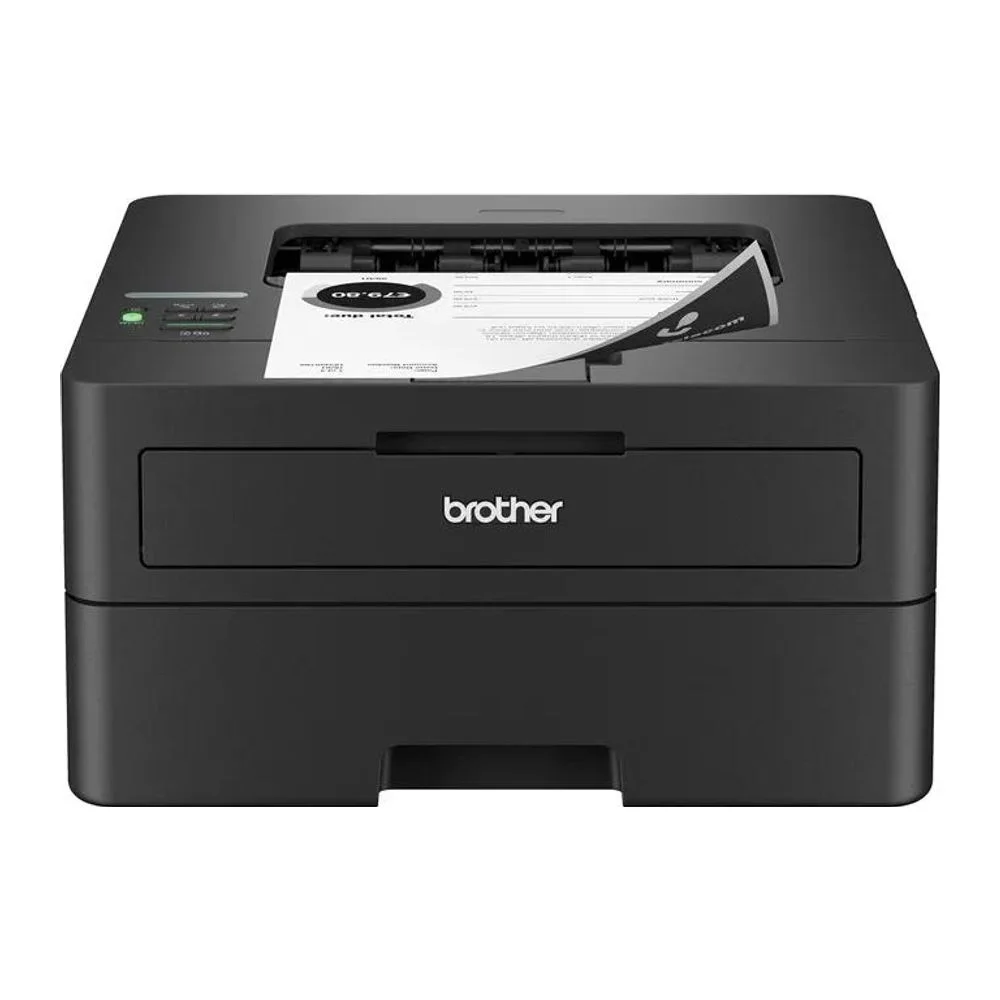
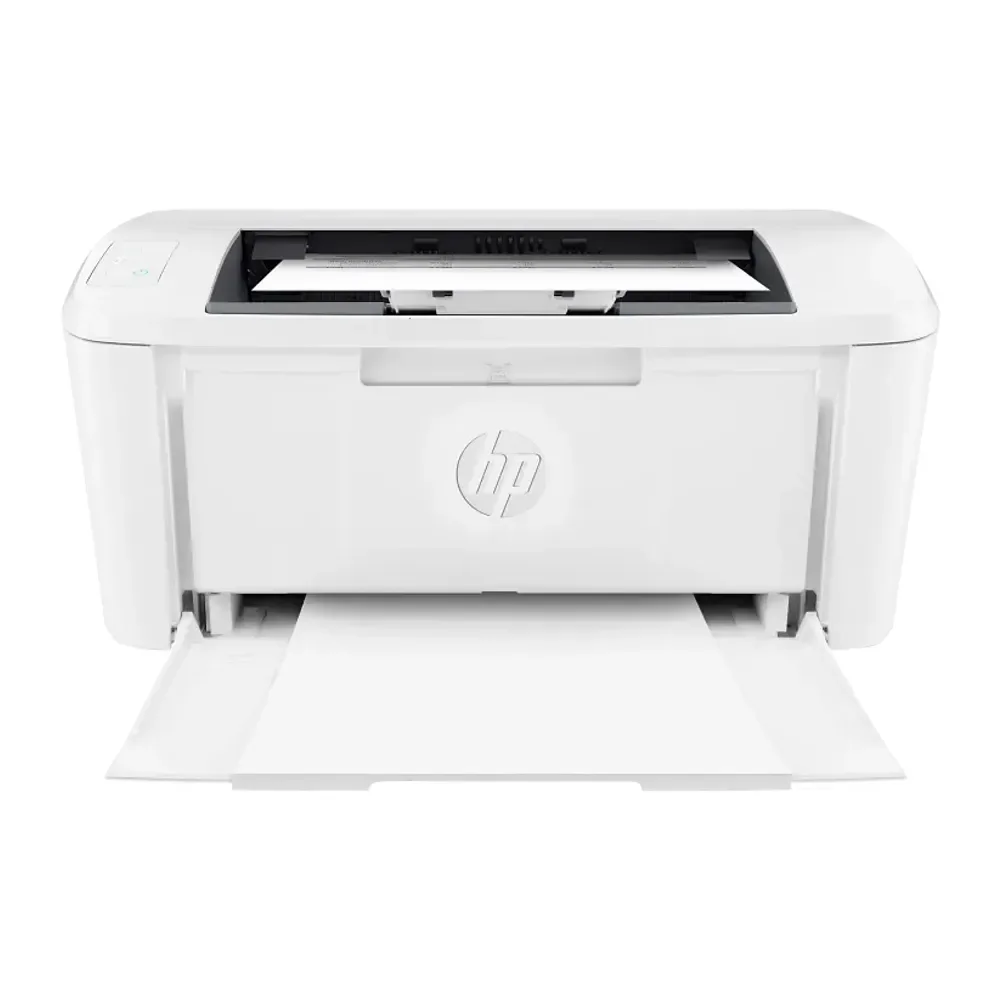
If you mostly print text, a monochrome laser is fast, sharp and cheap per page, and toner does not dry out between uses. If you print charts, marketing material or photos, you need colour, and an inkjet or ink tank model gives the best quality for the money.
A practical combination for many small businesses is a small mono laser for everyday documents plus an occasional colour inkjet.
Features that save real time
These are the features home office buyers most often wish they had paid for:
- Automatic duplex (two-sided) printing — halves paper use.
- An automatic document feeder (ADF) — scan or copy a 20-page contract without lifting the lid for each page. Single-pass duplex ADFs scan both sides at once.
- Dual-band Wi-Fi and Ethernet — stable connections and fewer "printer offline" moments.
- A mobile app that scans to email or cloud storage.
Our picks for home offices
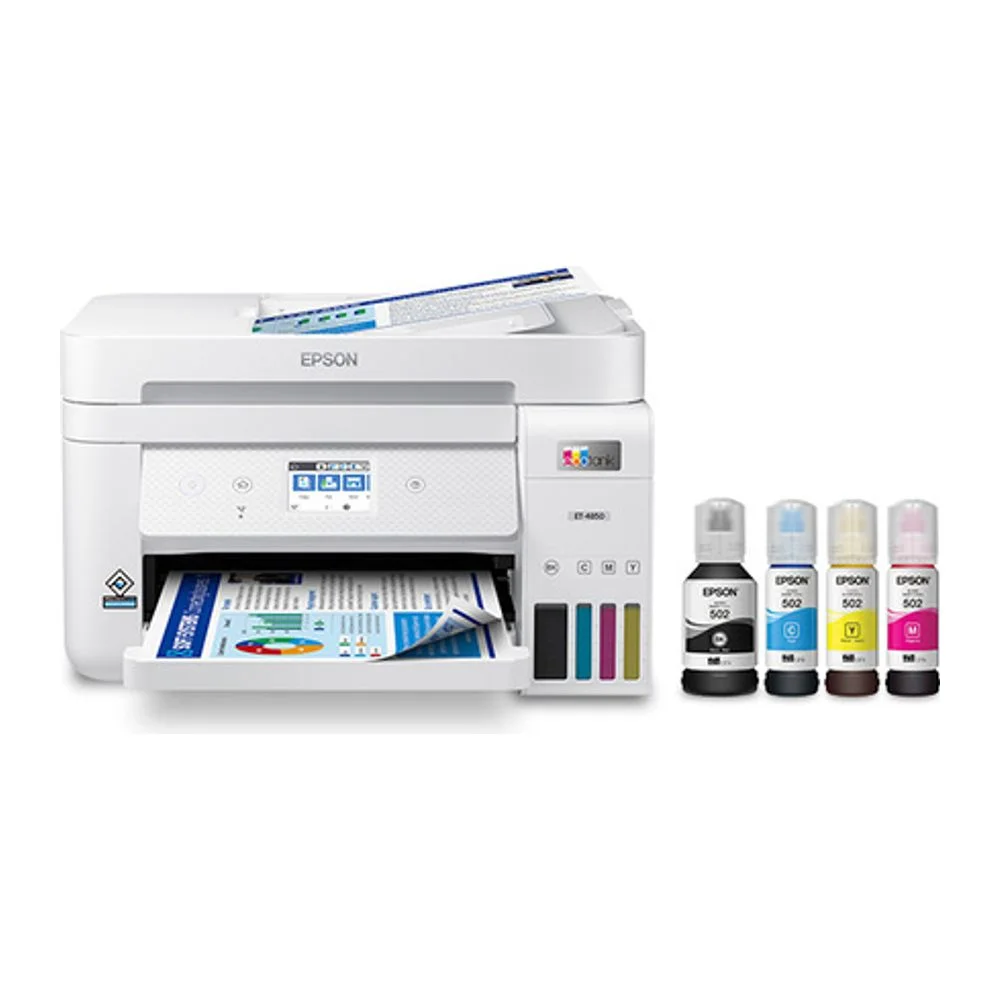
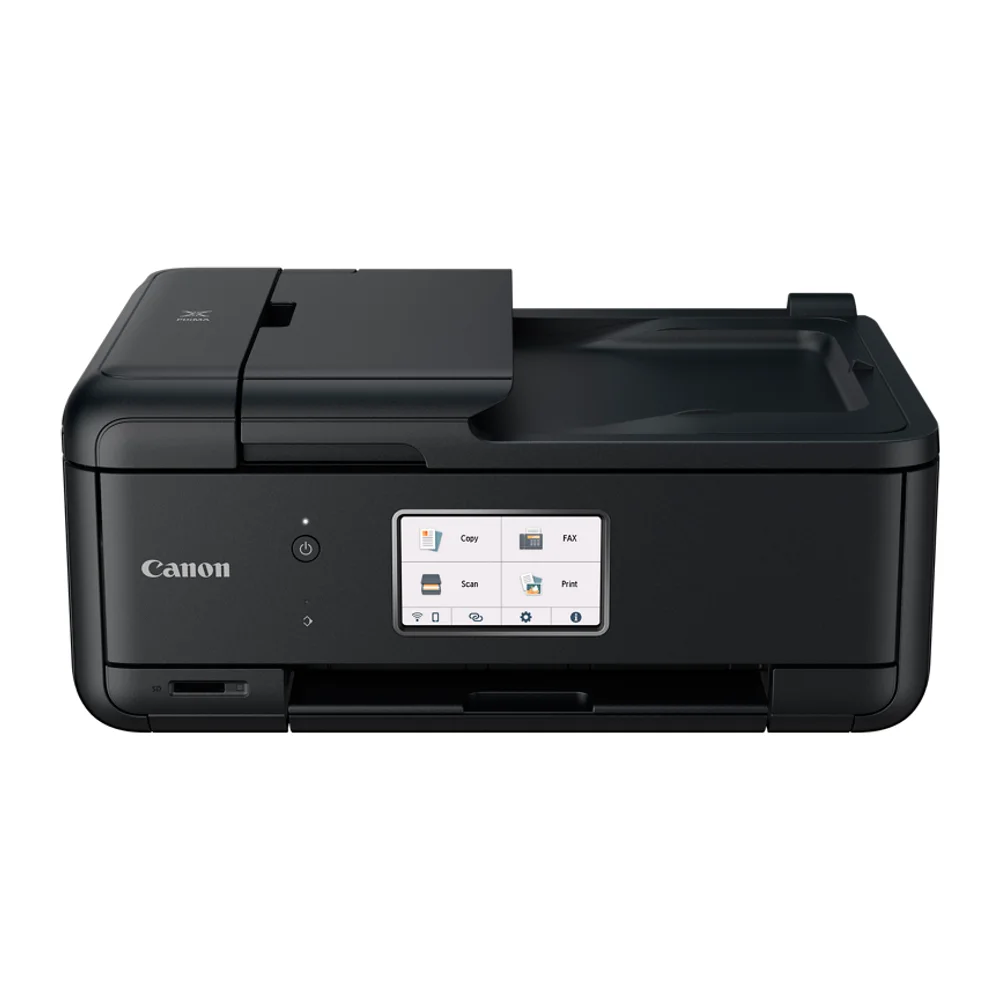
For mixed colour work, an inkjet all-in-one with a duplex ADF is the most flexible option. If you print a lot of colour, an ink tank all-in-one cuts the cost per page dramatically.
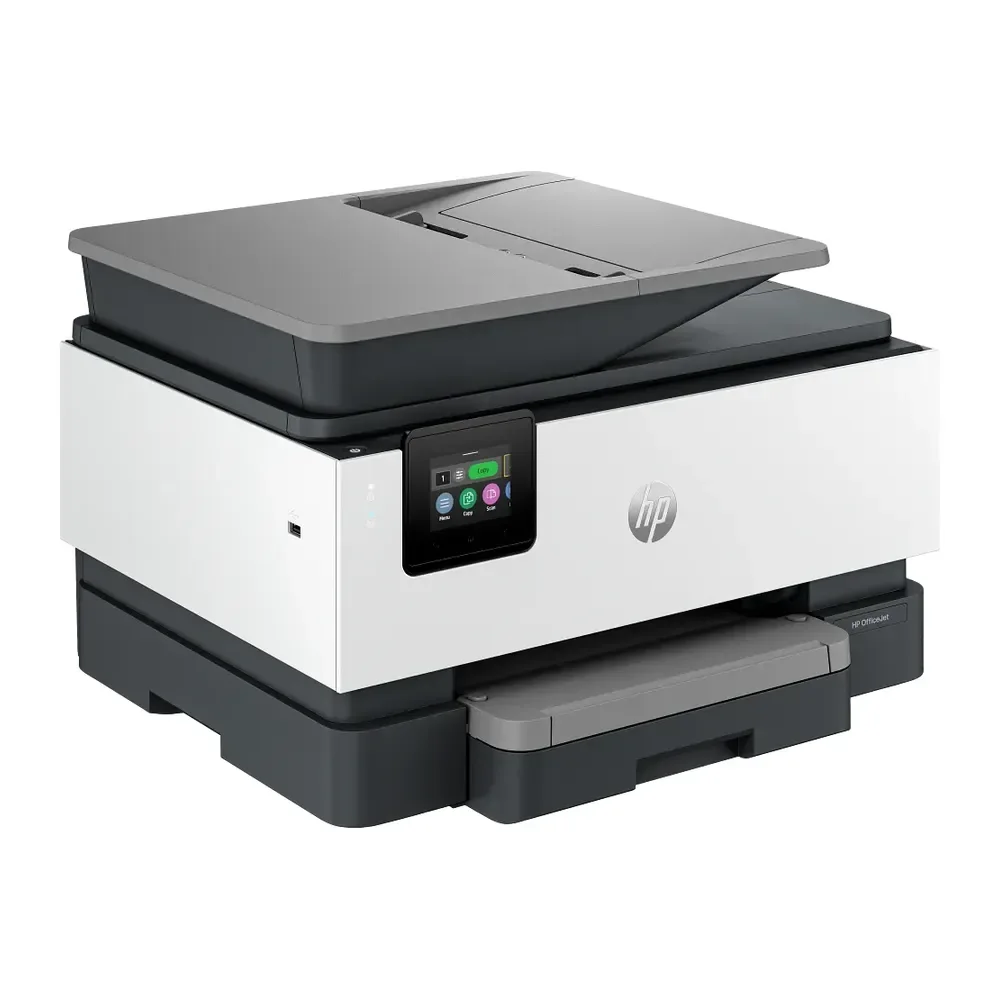
HP
HP OfficeJet Pro 9125e All-in-One
Colour inkjet all-in-one built for home offices and small businesses.
$329.00
Check the running costs before you buy
Manufacturers publish page yields for their cartridges and bottles. Divide the price of a replacement set by its rated yield to get a cost per page, then multiply by your monthly volume. This five-minute calculation is the best protection against a cheap printer that becomes expensive to own.
Still not sure? Ask our team — tell us what you print or how you train and we will recommend a model.